Guides
Premium IPTV guides: what you watch, how to set it up, what it costs
Ten guides, each answering one question people ask before or after ordering a membership. They are grouped by theme below: what you watch, players and devices, money and judging a seller, and what to do when the picture misbehaves. Each one was checked again on 5 November 2026.

What you watch
Channels and picture quality
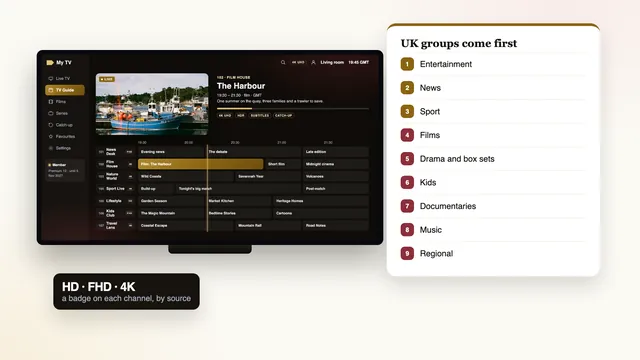
How the channel list is arranged, and what 4K and HDR need before they reach your screen. Start here if the question is what you will actually see.
GuidePremium IPTV channels
How 40,000 channels are arranged, UK groups first, the picture badge on each and a favourites list worth keeping short.Read more →
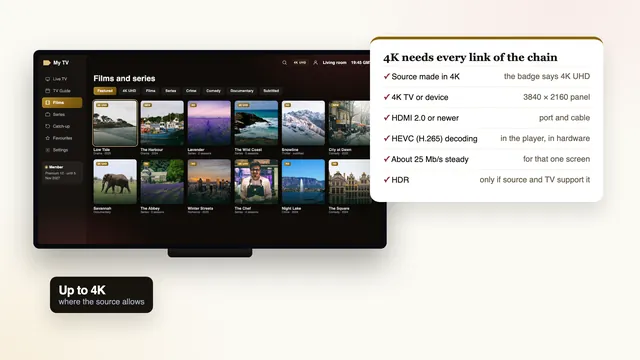
GuidePremium IPTV 4K HDR
What 4K and HDR need from the source, the TV, the cable and the player, and how to tell what you are really watching.Read more →Players and devices
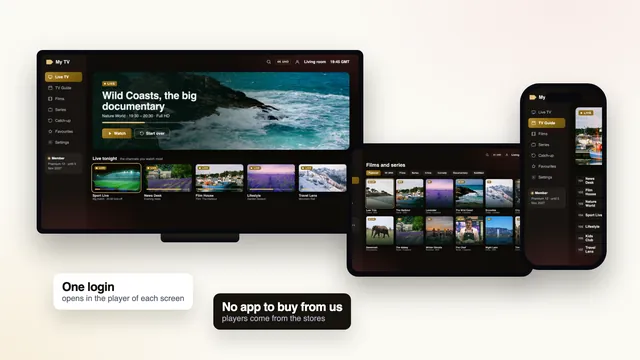
Players, the playlist and your devices
Which app reads the login, when the M3U playlist is the better door, and the setup on a Firestick, an Android TV or an Apple device. Choose by the screen you watch most.
GuidePremium IPTV app: which player
There is no app to buy from us: the players that read the login on each device, and the look-alikes to avoid.Read more →
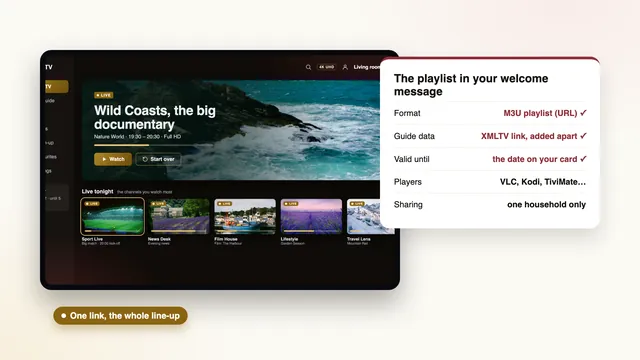
GuidePremium IPTV playlist (M3U)
The M3U link sent with every membership: which players take it, why some prefer it to Xtream details, and adding the guide.Read more →
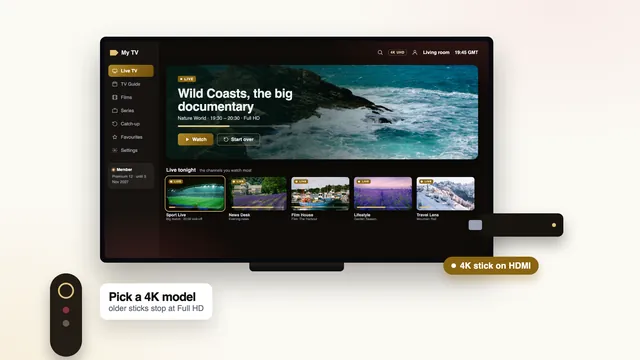
GuidePremium IPTV on a Firestick
Which Fire TV models suit a premium picture, how the player is installed and the settings that keep 4K steady.Read more →
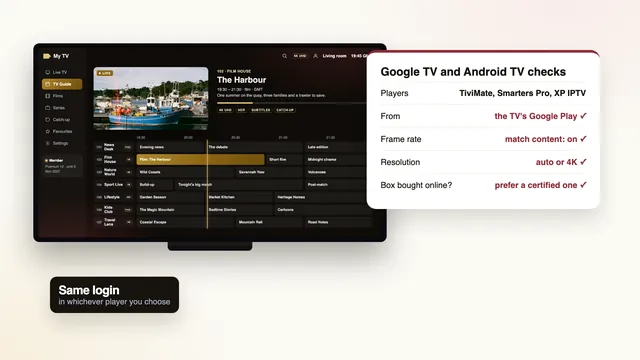
GuidePremium IPTV on Android TV
Google TV and Android TV sets and boxes: the players in Google Play, the frame-rate setting and the login.Read more →
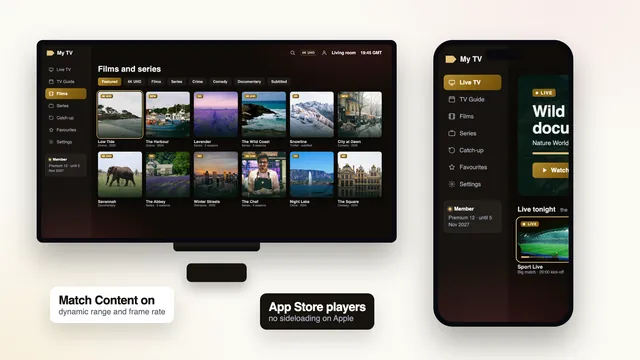
GuidePremium IPTV on iPhone and Apple TV
iPhone, iPad and Apple TV: the App Store players, AirPlay or a native app, and the Match Content settings.Read more →Money and sellers
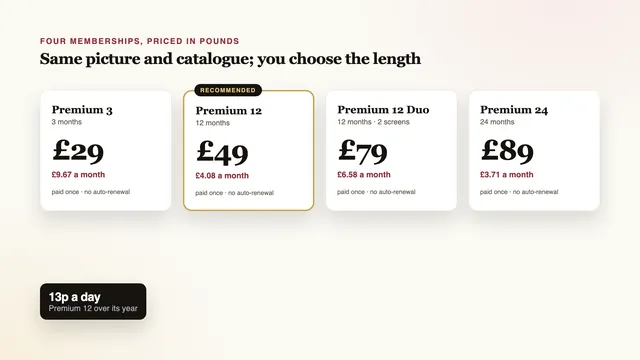
What it costs, and how to judge a seller
The price of a membership spread over months and days, and how to read reviews of any seller, this one included.
GuidePremium IPTV cost
A membership's price over a month and over a single day, typical asking prices in Britain, and what that money should cover.Read more →
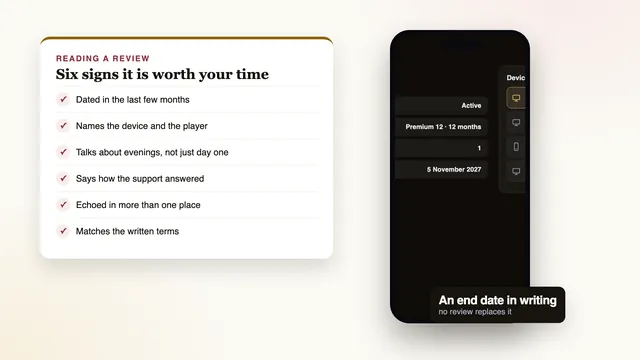
GuidePremium IPTV review: how to judge one
Reading reviews of any IPTV seller: the signs of a useful one, the ones to ignore and the checks no review can do.Read more →When something goes wrong
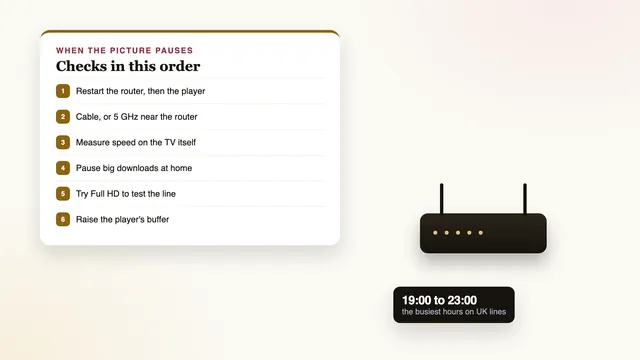
When the picture pauses
The checks to make at home first, the settings that help, and the point at which to message the team.
Reading order
A sensible order to read them in
Not ordered yet? Start with the guide to what a membership costs and the one on judging a seller from its reviews. Between them they cover most of what people ask us before paying, including the warning signs worth knowing whoever you order from.
Already holding a welcome message? Go to the guide for the screen you use most, or follow the full setup page from the first line of the message to the last picture setting. If the picture pauses on busy evenings, the buffering guide starts with the checks that cost nothing.
Every guide names menus the way the devices show them today, takes its plan figures from the memberships on sale, and points to the team where a question needs a person rather than a page. Nothing in them promises more than the setup at home can deliver.
In every guide
- A short answer near the top
- At least one table to scan
- Menus named as they appear on screen
- Prices in pounds from the current plans
- Common questions at the end
Read up, then pick a plan: your login is about 2 minutes away once you pay
Start with the guide for the screen you watch most, then choose a length. One payment, an end date in writing, and 7 days to claim your money back if no screen at home will play.